


TEKLYNX CODESOFT Label Design Software Solution
Attribute:
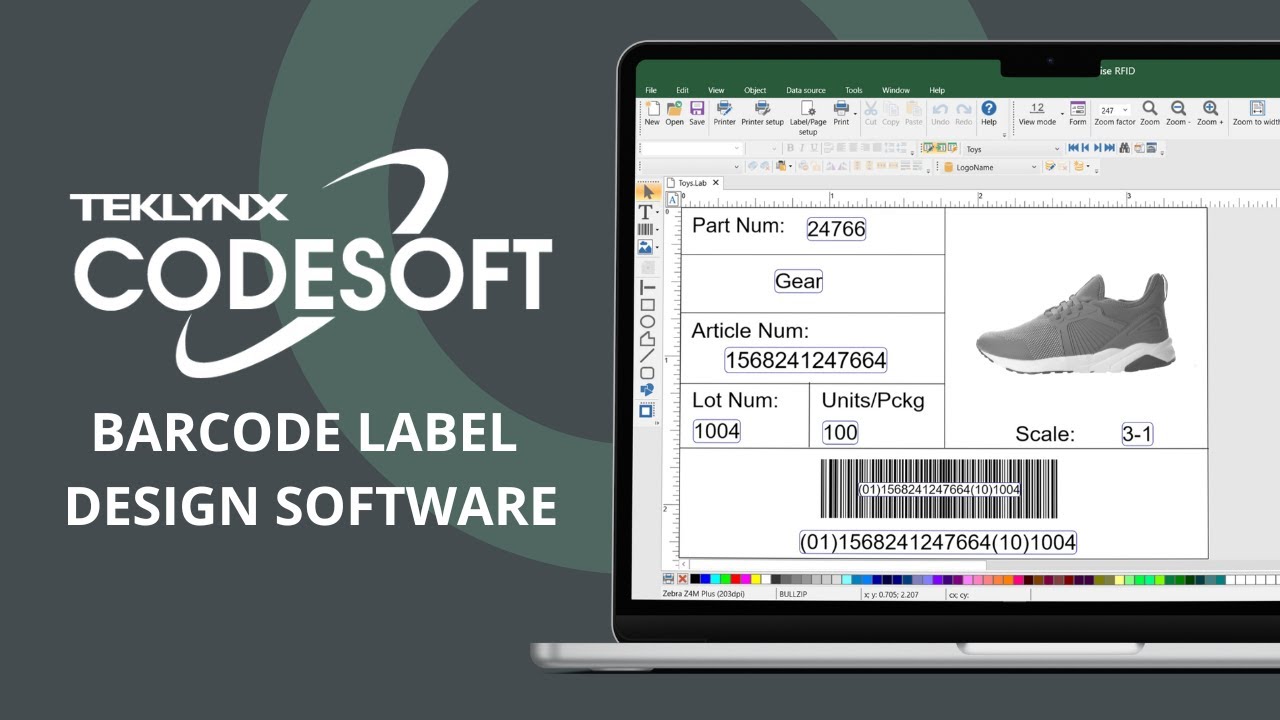
TEKLYNX CODESOFT Advanced barcode and RFID label design software that supports network printing (TCP/IP), API integration, and cloud connectivity.
Categories : PRINTERS , Barcode Software ,
Share
BARCODE LABEL SOFTWARE SOLUTIONS
---------
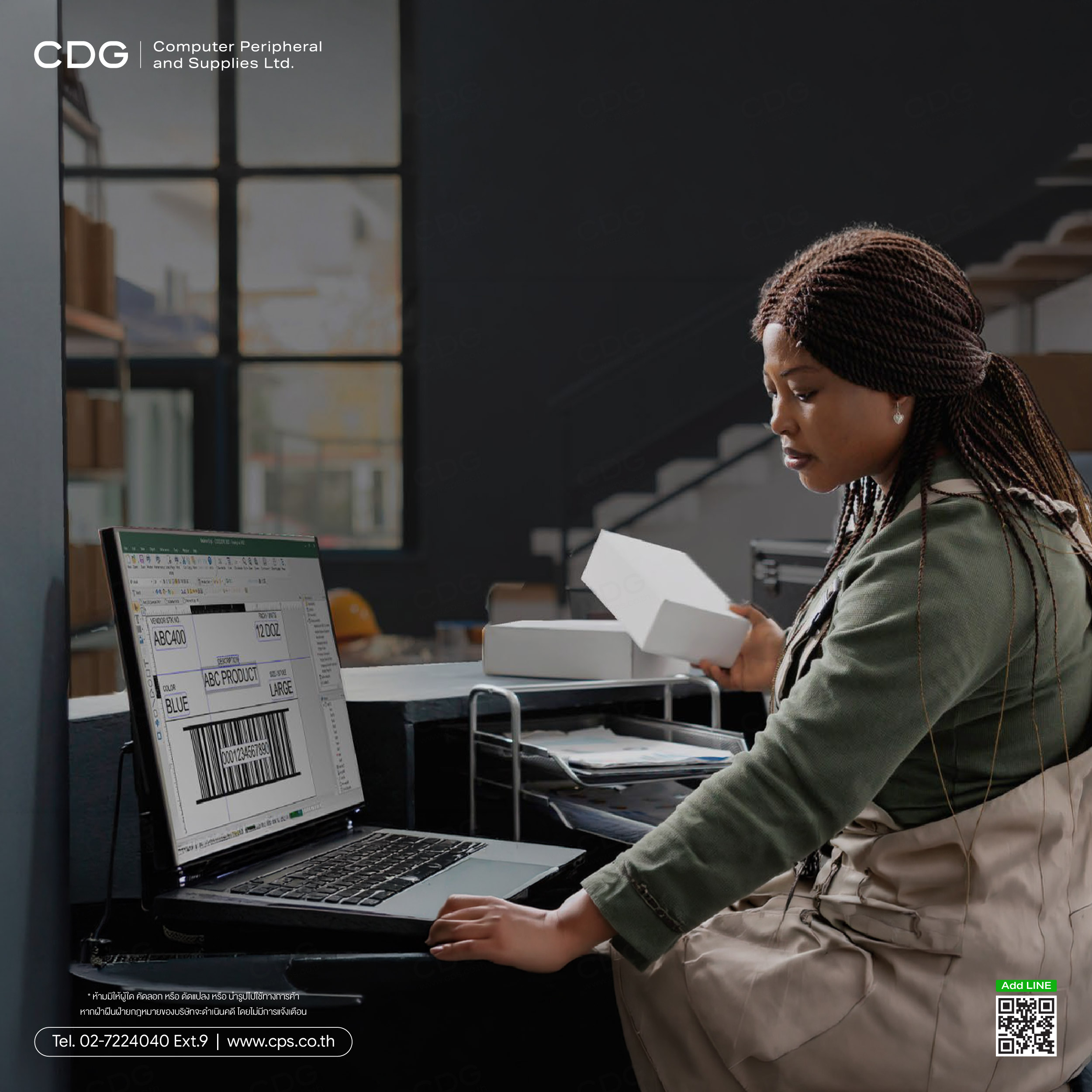
Barcode label design made easy
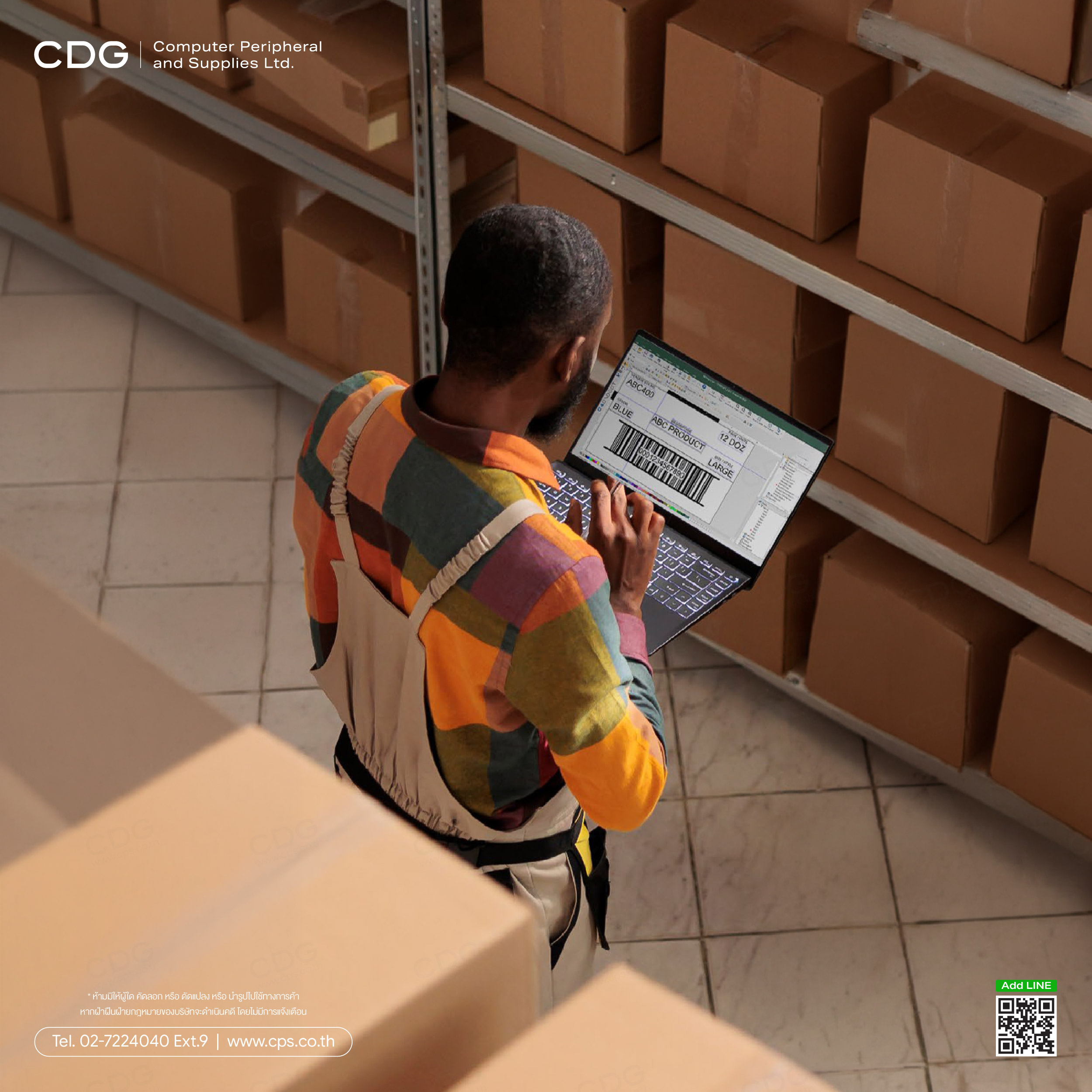
TEKLYNX label design solutions are developed to meet labeling requirements for any business. Choose from three label designers, LABEL MATRIX, LABELVIEW, or CODESOFT depending on your company's needs. All label designers include intuitive wizards, making it easy to design and print labels quickly. Want to test out the software first? Download a free 30-day trial.
Create & Print Barcode Labels
Label Design SolutionsEasy to use interface
All common barcode types
Design labels with wizards
Connect to data sources
Compatible with 4,000+ printer models: Zebra, SATO, TSC, Epson, and more
Supports compliance labeling
|
|
|
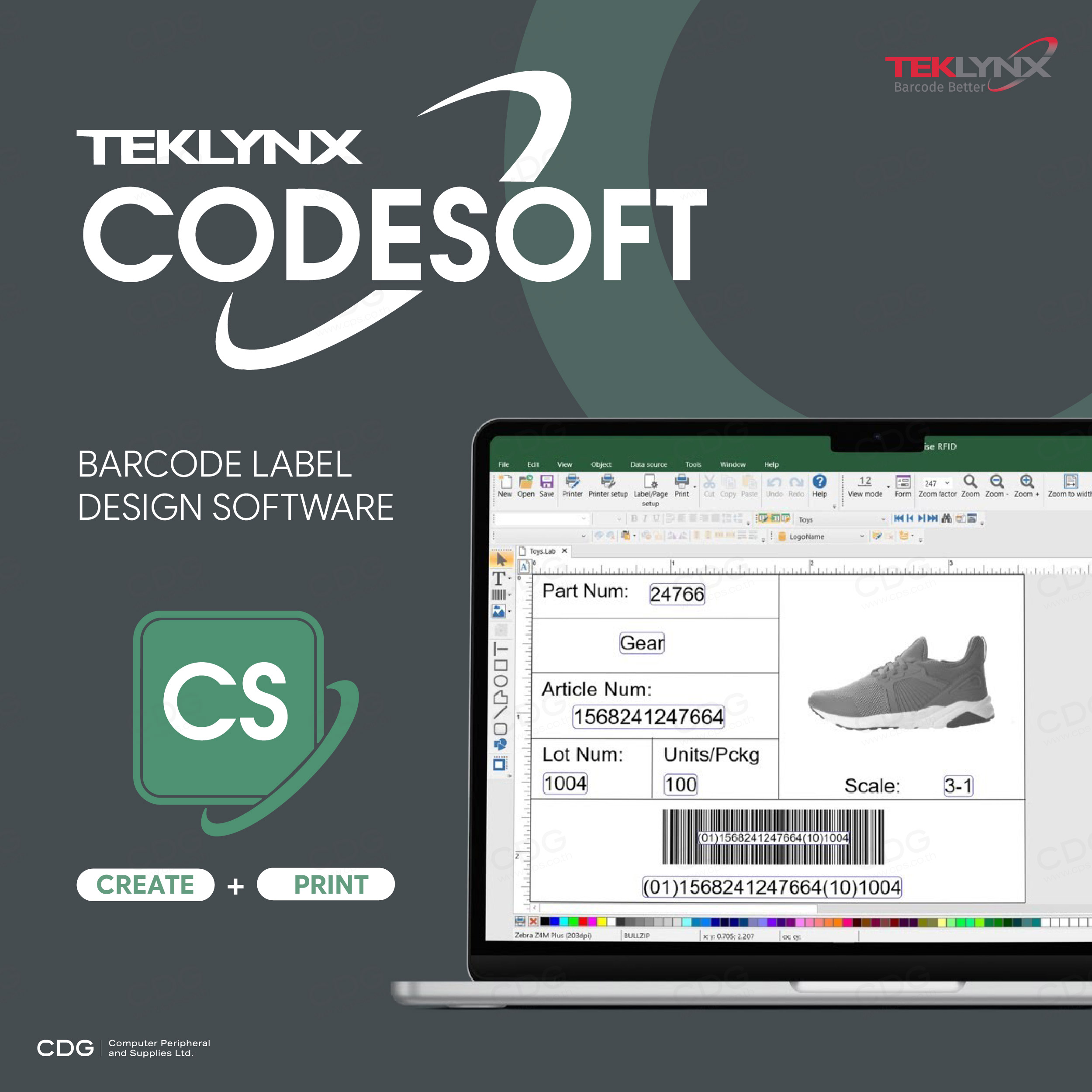
TEKLYNX CODESOFT Label Design Software Solution
TEKLYNX CODESOFT - Advanced Barcode & RFID Label Design Software
Special Features
- PortWatch: Enables printing of product labels from a scale instantly, even when the quantity is not known in advance.
- GridField: Allows multiple rows of data from a database to be merged into a single document or label.
- Form Designer: Provides a customizable data-entry interface, ensuring operators can print labels easily and accurately.
- Supports 25 Languages Worldwide: The software interface can switch between 25 languages (including Thai) and supports all character sets via Unicode.
- Global System Connectivity: Connects to leading databases (Excel, SQL) as well as cloud platforms such as Google Drive, OneDrive, and RESTful API.
- Virtual Machine (VM) Support: The only barcode software fully tested and certified to run in virtual machine environments (VM License required).
Differences Between Enterprise and Pro Editions
The software is divided into two main editions to suit different business sizes:
CODESOFT Enterprise
- Designed for large organizations
- Unlimited printer support
- Available in both Network (shared use) and Runtime (print-only) versions
- Includes full advanced features such as RFID, network printing (TCP/IP), API integration, and cloud connectivity
CODESOFT Pro
- Designed for small businesses
- Single-user license tied to one computer
- Limited to a maximum of 3 thermal printers
- Some advanced features are excluded, such as no RFID support, no TCP/IP printing, and no cloud connectivity
System Requirements (Specifications)
The latest version of the software requires the following computer system:
- Operating System: Supports Windows 11, Windows 10, and Windows Server 2016 through 2025
- RAM: Minimum 2 GB (4 GB recommended)
- Hard Disk Space: At least 1.5 GB of free space required
- Display: Minimum resolution 1024 × 768, supports DirectX 9 or higher
- Additional Software: Requires .NET Framework 4.8 and .NET 8.0.6 (included in the installation package)
- Installation Rights: User must have full Administrator privileges
- Internet Connection: For Online License usage, ports 80 and 443 must be open

Datasheet : TEKLYNX CODESOFT Label Design Software
Datasheet : TEKLYNX Label Design Comparison EMEA
Compare Codesoft Editions
| Use this comparison chart to help you decide which CODESOFT barcode label software edition is right for your business | CODESOFT ENTERPRISE Available as a single user, Network (multi-user), or Runtime (print only) version. Offers unlimited printer support. | CODESOFT PRO Only available as a single user license. Limited to 3 thermal printers and the default Windows printer. |
|---|---|---|
| KEY FEATURES | ENTERPRISE | PRO |
| Graphic & native barcodes | √ | √ |
| TCP/IP printing | √ | √ |
| Connect to Excel, Access, SQL, etc. via OLE or ODBC connection | √ | √ |
| Hidden (unprintable) objects | √ | √ |
| Unicode font support | √ | √ |
| Printer code converter | √ | √ |
| Label password protection | √ | |
| Add a variable offset to a date | √ | √ |
| User-defined printing logfile | √ | |
| PDF and electronic output (license required) | √ | Limited |
| API (.NET wrapper and ActiveX support) licensed per printer | √ | |
| Connect to Google Drive, OneDrive, and OData (RESTful API) | √ | √ |
| Library of VBScript resources | √ | √ |
| Directly modify printer code (Job Modifier) | √ | √ |
| Customizable data input screens (Form Designer & Form Viewer) | √ | √ |
| Define different styles within one field (Tagged Text Management) | √ | |
| Print documents containing more than one database record (GridField) | √ | |
| RFID | √ |
Compare Label Design Products
| Our 3 label designers come in several editions. Note: Network & Print-only (Runtime) versions are only available for high-end products. | CODESOFT For complex label design, print and integration needs. | LABELVIEW For mid-level label design and integration needs. | LABEL MATRIX For simple label design needs. | |||
|---|---|---|---|---|---|---|
| KEY FEATURES | CODESOFT ENTERPRISE | CODESOFT PRO | LABELVIEW GOLD | LABELVIEW PRO | LABEL MATRIX POWERPRO | LABEL MATRIX QUICKDRAW |
| Graphic & native barcodes | √ | √ | √ | √ | √ | Graphic only |
| TCP/IP printing | √ | √ | √ | √ | √ | √ |
| Connect to Excel, Access, SQL, etc. via OLE or ODBC connection | √ | √ | √ | √ | √ | Limited |
| Hidden (unprintable) objects | √ | √ | √ | √ | √ | √ |
| Unicode font support | √ | √ | √ | √ | ||
| Printer code converter | √ | √ | √ | √ | ||
| Label password protection | √ | √ | √ | √ | ||
| Add a variable offset to a date | √ | √ | √ | √ | √ | |
| Command line options | √ | √ | √ | √ | Format LMW only | |
| User-defined printing logfile | √ | √ | √ | |||
| PDF and electronic output (license required) | √ | Limited | Limited | Limited | ||
| API (.NET wrapper and ActiveX support) licensed per printer | √ | |||||
| Connect to Google Drive, OneDrive, and OData (RESTful API) | √ | √ | √ | √ | ||
| Library of VBScript resources | √ | √ | √ | |||
| Directly modify printer code (Job Modifier) | √ | √ | √ | √ | ||
| Customizable data input screens (Form Designer & Form Viewer) | √ | √ | √ | √ | ||
| Define different styles within one field (Tagged Text Management) | √ | √ | ||||
| Print documents containing more than one database record (GridField) | √ | |||||
| RFID | √ | |||||



