NiceLabel Desktop Barcode Label Design Software Solution
Attribute:
Label design and management software developed to help businesses create, manage, and print barcodes, RFID, and product labels with precision.
Categories : PRINTERS , Barcode Software ,
Share
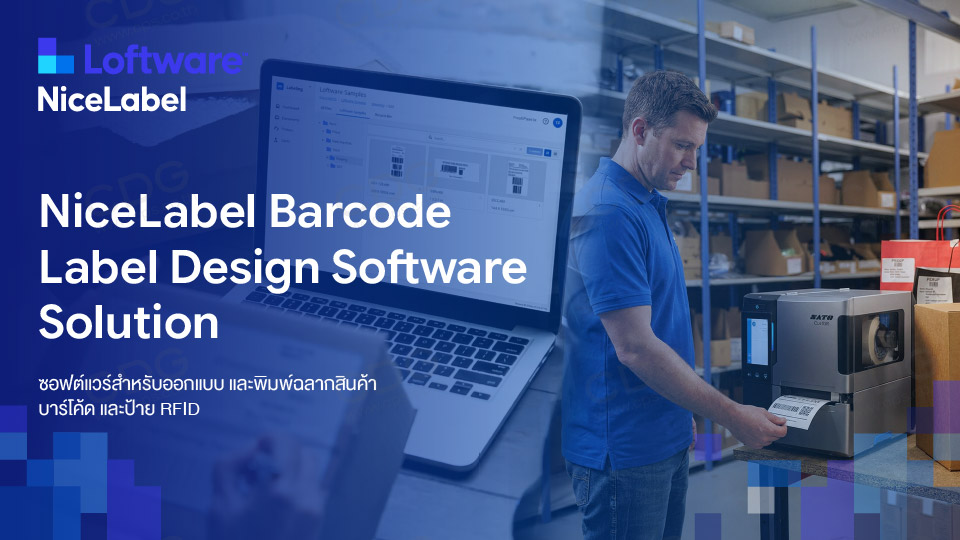
Loftware NiceLabel – Professional Label Management Software
Loftware NiceLabel is a globally recognized label design and management software developed to help businesses create, manage, and print barcodes, RFID, and product labels with precision. The software stands out for its seamless database connectivity and compatibility with all brands of industrial thermal printers, reducing human errors and enhancing printing efficiency.
Editions
NiceLabel is available in 9 editions, divided into 3 groups:
- Desktop Group: Designer Express, Designer Pro, PowerForms, PowerForms Suite
- On-Premise LMS Group: LMS Pro, LMS Enterprise
- Loftware Cloud Group: Cloud Designer, Essentials, Business, Compliance
Group 1: Desktop / Designer (1 User - SME)
| Model | Key features | Database connectivity | form creation | Suitable for... |
|---|---|---|---|---|
| Designer Express | Design + Print basic labels | Shop/Small Business – 1 User | ||
| Designer Pro | + Variable data, VBScript, RFID | Excel/SQL/Access | Small-to-medium-sized factories | |
| PowerForms | + Create your own label printing app (Business Logic) | Reduce errors on the production site. | ||
| PowerForms Suite | + Automation Module + Multi-printer (3/5/10) | Automated ERP/WMS integration |
Group 2: LMS (On-Premise Server – Enterprise)
| Model | Key features | Suitable for... |
|---|---|---|
| LMS Pro | Control Center, Version Control, Print History, Web Printing, Automation | Organizations seeking to centralize label control. |
| LMS Enterprise | + QMS Approval Workflow, 21 CFR Part 11, Prebuilt SAP/Oracle, Failover/Load Balancing, Non-Production Env. | Pharmaceutical, food, and medical device industries. |
Group 3: Loftware Cloud (SaaS – formerly NiceLabel Cloud)
Cloud Designer → Essentials → Business → Compliance — progressing from simple cloud‑based design and printing to full validation systems tailored for regulated industries.
BARCODE LABEL SOFTWARE SOLUTIONS
---------
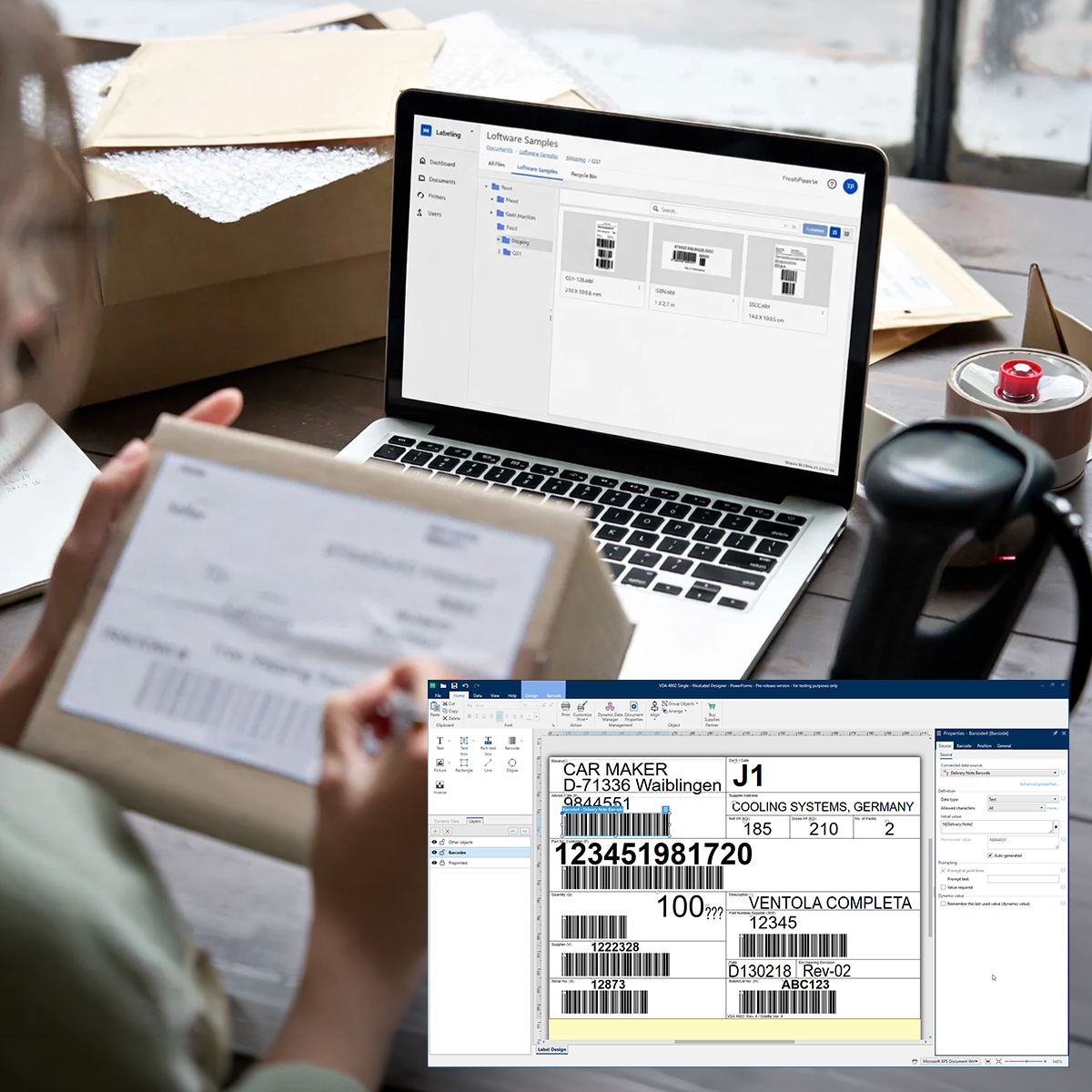
Highlights NiceLabel?
Easy to Use – MS Office Style: Design labels and barcodes with drag‑and‑drop functionality, no programming skills required.Seamless Database Connectivity: Automatically pull data for printing from Excel, SQL, or enterprise systems such as SAP.
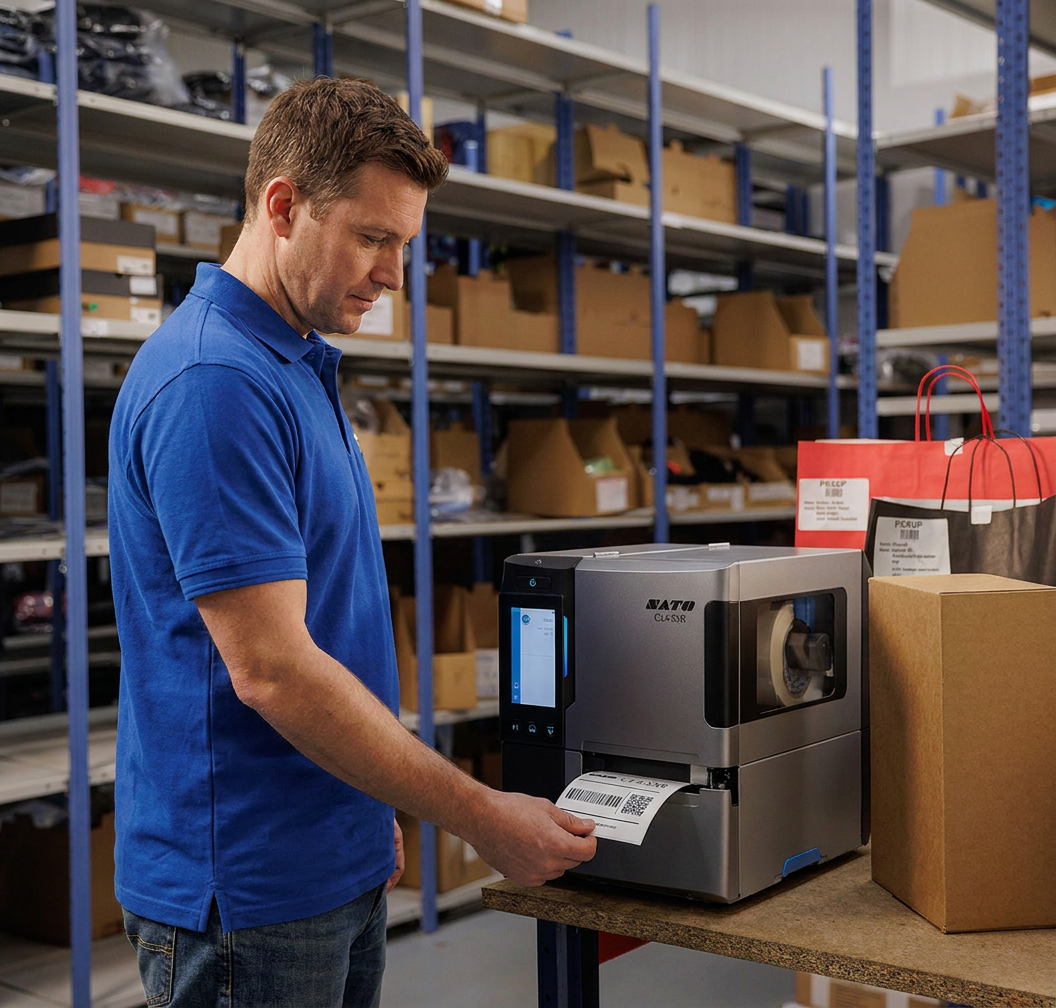
Printer Compatibility: Works with all barcode printer brands using native drivers for faster, sharper, and more accurate printing.
Error Reduction at Workstations: Create custom print forms for operators, minimizing data entry mistakes.
Cloud & Centralized Management: Control and approve label templates from a central location — ideal for businesses with multiple branches or factories.
Where to Buy NiceLabel in Thailand
If you need genuine NiceLabel software licenses in Thailand with full professional services, you can purchase directly from Computer Peripheral and Supplies Co., Ltd. (CPS) via www.cps.co.th, the expert in barcode systems and enterprise label management solutions.Why Choose CPS?
Decades of Expertise: Over 30 years of experience in barcode systems and printing software.
One-Stop Service: Complete solutions from consultation, system setup, training, to after-sales support.
Licensed & Secure: Direct purchase ensures genuine software with legal licenses and regular updates.
Key Feature Comparison Table (NiceLabel Feature Matrix)
| Features | Designer Express | Designer Pro | PowerForms | PowerForms Suite |
|---|---|---|---|---|
| Licensing Model | Single User | Unlimited Users / Per Printer | Single Workstation / Per Printer | Unlimited Users / Per Printer |
| Label complexity | Basic | Advanced | Advanced | Advanced |
| Database connection | Excel / CSV / Text | SQL / Oracle / MySQL / ODBC | SQL / Oracle / MySQL / ODBC | SQL / Oracle / ERP / Web Services |
| การรองรับ RFID | ||||
| Smart Templates | ||||
| Create a Custom Form (No-Code) | (Applicable to EasyForms only) | |||
| Automatic printing via Trigger/ERP | ||||
| Target | Small shops / SMEs | Factories / Warehouses | Production areas / Packing stations | Industrial plants / Large warehouses |
Introducing Loftware Connect
NiceLabel Desktop Barcode Label Design Software Solution
Loftware NiceLabel (formerly NiceLabel, now developed by Loftware) is a professional label design and management software available in both On‑Premise and Cloud editions. The current version (e.g., NiceLabel 10) offers several key editions:
Editions Overview
- NiceLabel Designer Express: Entry-level edition for single users, ideal for simple label printing. Supports data import from Excel or CSV only.
- NiceLabel Designer Pro: Standard edition for businesses requiring high accuracy. Supports enterprise database connectivity (SQL Server, Oracle, MySQL), RFID printing, over 70 barcode types, and Smart Templates.
- NiceLabel PowerForms: Builds on Designer Pro with an Application Builder to create custom printing forms without coding, reducing operator errors in retail or production environments.
- NiceLabel PowerForms Suite: The most comprehensive centralized solution, adding Automation Engine (Automation Easy) for automatic label printing via ERP, WMS, MES, or external hardware such as scales and barcode scanners.
Note: Older perpetual license editions such as Designer Express and Designer PowerForms have been discontinued. Loftware now focuses on Cloud and Subscription models.
Key Advantages of NiceLabel
- Easy to Use – MS Office Style: Drag‑and‑drop label and barcode design, no programming required.
- Seamless Database Connectivity: Automatic data import from Excel, SQL, and enterprise systems like SAP.
- Universal Printer Support: Native drivers ensure faster, sharper, and more accurate barcode printing across all brands.
- Error Reduction: Custom print forms simplify operator tasks and minimize data entry mistakes.
- Cloud & Centralized Management: Centralized template approval and control, ideal for multi‑branch or multi‑factory businesses.
Where to Buy in Thailand
For genuine NiceLabel software licenses in Thailand, including installation, system setup, and training, contact Computer Peripheral and Supplies Co., Ltd. (CPS) via www.cps.co.th. CPS provides complete solutions with barcode printers, scanners, and professional after‑sales support.
Specifications, key features, and comparison 4 NiceLabel editions.
|
|
|
|
Questions (FAQ) about NiceLabel
| Question | Answer |
|---|---|
| otal number of models | 9 Models |
| Number of product groups | 3 groups (Desktop / LMS / Cloud) |
| Which versions of NiceLabel can extract data from Excel and SQL? | Designer Pro and above + conditions |
| Latest desktop version | NiceLabel 10 |
| Parent Company | Loftware (USA) |
| Entry-level model with database connectivity. | Designer Pro |
| The first model capable of generating its own print forms. | PowerForms |
| Models supporting 21 CFR Part 11 | LMS Enterprise, Cloud Compliance |
| Free trial | 30 days (full feature set) |
To maximize efficiency with enterprise‑level hardware, here are recommendations on model selection, differences, and suitability for each type of business.
| NiceLabel Model | Key Highlights | Appropriate business size | Industry / Recommended Applications |
|---|---|---|---|
| Designer Express | Basic label design; supports data import from MS Excel or text files. | Small and Medium-sized Enterprises (SME) | Retail stores, small warehouses Operates on a single PC for printing barcodes and basic product labels. |
| Designer Pro | Supports RFID systems, connects to databases (SQL, Access), and prints variable data. | Medium | Retail stores, small warehouses Requires automatic retrieval of inventory data from the system for label printing. |
| PowerForms | Features a dedicated user interface (UI) for label printing and supports external hardware connectivity. | Medium to large scale | Factories or warehouses with multiple frontline workers seeking to eliminate printing errors entirely. |
| PowerForms Suite | Create custom printing interfaces without coding (no-code) to prevent operator errors. | Medium to Large Scale | Industrial factories, production lines Ideal for operational environments with multiple staff members; control printing via touchscreens or POS terminals. |
| NiceLabel Cloud / LMS | Centralized label management; direct integration with ERP systems (SAP, Oracle) via API. | Enterprise Level | Food & Pharmaceutical, Automotive, and Global Retail sectors. For organizations with multiple branches or manufacturing plants requiring standardized labeling across global operations. |
Buying NiceLabel in Thailand – FAQ
Where can I buy NiceLabel in Thailand?
You can purchase directly from Computer Peripheral and Supplies Co., Ltd. (CPS), the leading provider of Barcode & Auto‑ID solutions in Thailand.- Website: www.cps.co.th
- Contact: Tel. 02‑722‑4040
How much does it cost?
The price of NiceLabel software varies depending on the edition, tailored to meet different business needs:- Entry-Level Editions (Designer Express / Designer Pro): Affordable pricing, ideal for SMEs or single‑PC use, with Excel or SQL connectivity.
- Enterprise/Automation Editions (PowerForms / Cloud / LMS): Pricing depends on scope of work, suitable for factories or businesses requiring custom print forms and ERP integration.
- Free Assessment: CPS offers consultation to analyze your requirements and recommend the most cost‑effective edition, ensuring you don’t overspend.
installation and training included?
Yes, CPS provides 100% full-service support:- Installation Service: Expert engineers handle setup, software configuration, and database integration (Excel, SQL Server, SAP, etc.).
- Training: Hands‑on training sessions covering label structure, barcode creation, and EasyForms printing screens, enabling staff to start using the system immediately.
- After-Sales Support: Dedicated technical support team available for consultation and troubleshooting throughout usage.
Why choose CPS?
- Decades of Expertise: Over 30 years of experience in barcode systems and printing software.
- One‑Stop Service: Complete solutions from consultation, system setup, training, to after‑sales support.
- Licensed & Secure: Direct purchase guarantees genuine software with legal licenses and regular updates.